A Simple Place to Start Playing Piano
Melokey combines the engaging flow of rhythm gaming with authentic piano synthesis and step-by-step musical guidance.
Hold keys down to sustain warm harmonic resonance as long as you want. Release when you are ready to let the note gently fade.
Visual falling tiles guide your fingers across the keyboard in real time. Perfect your timing across Easy, Medium, and Hard arrangements.
Step-by-step lessons on keyboard geography, finger posture, natural chords, rhythm values, and expressive phrasing.
Free Play opens in landscape with 37 pitches from C3 to C6. Play chords with multi-touch keys, tap Rec to capture a take, and tap Stop when you finish.
Earn Perfect and Great ratings, build combo multipliers, and earn star ratings to track your piano progress over time.
Your scores, progress and piano sound stay on your device. No Melokey account or microphone is needed. Store purchases, restoration and optional video ads require a connection.
Modes Tailored for Learning & Play
Switch seamlessly between structured learning, rhythm challenges, and creative freestyle exploration.
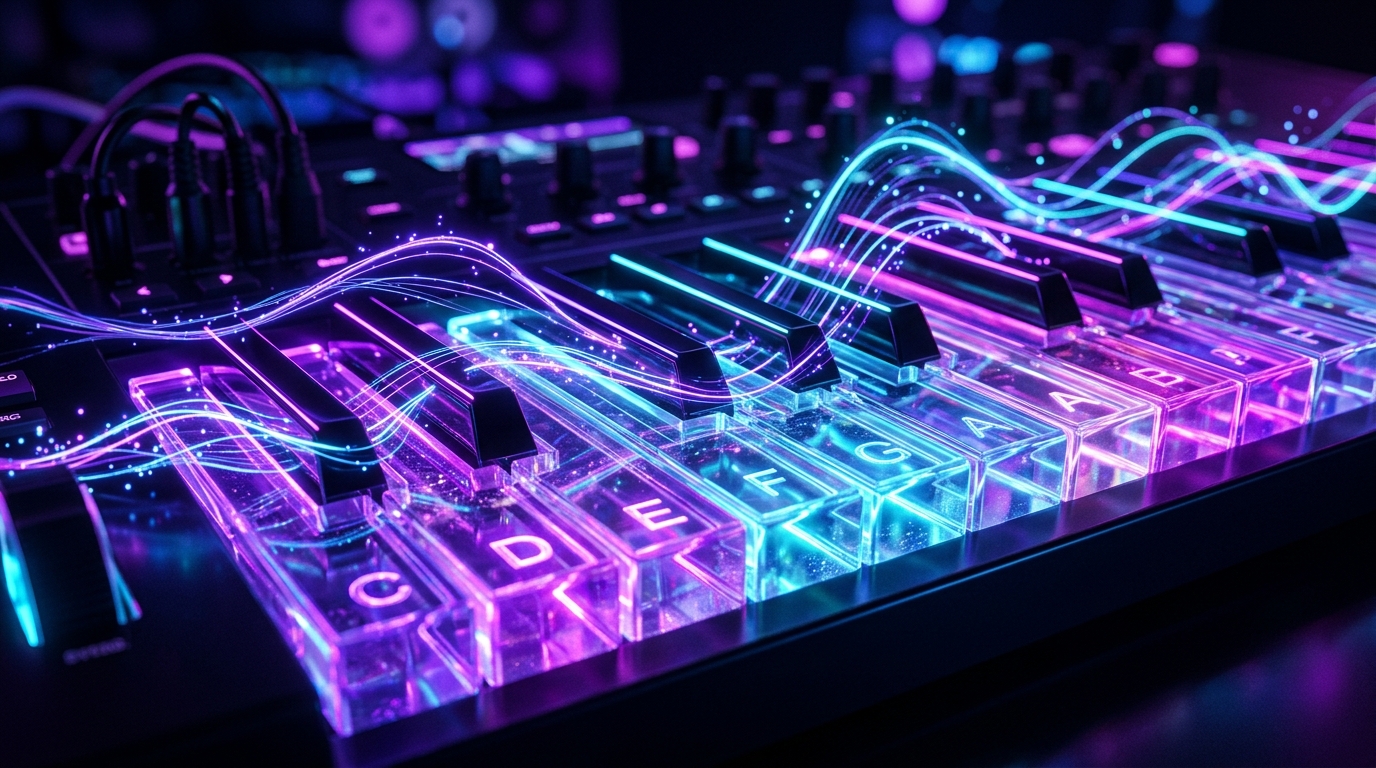
Free Play Mode
Practice any chord progression, scale, or song idea on a responsive piano synth with continuous sustain and glowing interactive visualizers.

Interactive Academy
Master keyboard layout, posture, standard 1-5 finger numbering, chord triads, and rhythm counting with clear guided tutorials.
Frequently Asked Questions
Answers to common questions about Melokey features, audio synthesis, and offline availability.
How does the continuous key sustain work?
Melokey uses a custom real-time additive synthesizer. When you press and hold a key down, the note continues vibrating with natural harmonic decay for up to a minute, releasing smoothly when your finger lifts.
Can I use Melokey without an Internet connection?
The keyboard, bundled music and available lessons work on your device. An Internet connection is needed to buy or restore VIP membership and to load optional video ads. Paid content requires a verified purchase or the applicable rewarded-ad unlock.
Does Melokey require microphone permissions?
No. Melokey does not require or request microphone access. All sound is synthesized directly on your device.
What music pieces are included?
Melokey features beloved classical masterpieces by Beethoven, Mozart, Bach, Chopin, and Tchaikovsky, alongside popular melodies, folk songs, and traditional hymns.
How do the piano practice modes work?
Choose Listen to hear a song first. In Learn, highlighted notes wait for you to press the matching keys. Play measures your timing and accuracy. Use 0.5× or 0.75× speed while learning, then return to the original tempo when you feel ready.
Can I save my piano performance as a video?
Yes. In Free Play, tap Rec, play a melody, then tap Stop. Score creates sheet music from your take. Video exports a landscape MP4 with animated notes and synthesized piano audio. Direct video export is included with an active VIP membership; Android also offers an optional rewarded-ad unlock.
Which VIP plans can I choose?
Android offers weekly ($0.99), monthly ($2.99), yearly ($29.99) and lifetime ($39.99) VIP. Weekly, monthly and yearly plans renew automatically until canceled; lifetime is a single purchase. All plans unlock the same songs, advanced Academy lessons and direct video export. Prices are in US dollars; regional prices vary. iOS version 1.1 adds these four plans, English, Simplified Chinese, Traditional Chinese and Japanese interfaces, and optional rewarded-video saving. Version 1.0 remains available on the App Store while the update is reviewed. The store shows the price in your currency before checkout. Restore Purchases in Settings restores it using the same Apple or Google account. Purchases are specific to the store where you bought them.